BuouNext
  • Features
  • DocumentsNew
  • BrutalUINew
  • ShowcaseHot
  • Pricing
  • Blog

    Getting Started

    Introduction

    BuouNext Instruction

    InstallationRun BuouNextProject StructureComponentsAuthenticationEmailAPI CallsDatabasePaymentSEO OptimizationHeadless CMSContact

    AI Instruction

    AI ImageNewAI ChatbotNewAI SearchNewAI NotionNew

    Components

    Super ClockNewFloating DockNewAI Image CompareNewAvatar ListNewClockNewDarkModeNewStepperNewRotation AvatarNewButton with TrailNewDotNewGridNewCounter CardNewMarquee CardNewProfile CardNewBento gridNewBorder Trail CardNewBuouNext FeaturesNewColor CardNewMouse FollowingNewColor GridNewAnimotion In View CardNewLevitate CardNewReorder CardNewGenerate TextNewSmooth Fliping NumberNewSmooth Fliping TextNewSmooth Typing TextNewTyping TextNewWindow Typing TextNewFade In OutNewText DropNewScalingNew
    Docs
    Installation BuouNext

    Installation BuouNext

    Learn how to build your documentation site using BuouNext. This guide provides step-by-step instructions on installing BuouNext, setting up your development environment, and getting started with creating and managing your documentation content efficiently.

    Installation

    Login/Signup the website

    click here to login

    Go to pricing to select your plan(only one now)

    click here to pricing section, only need $89 for this Next SaaS, pay for it you will see
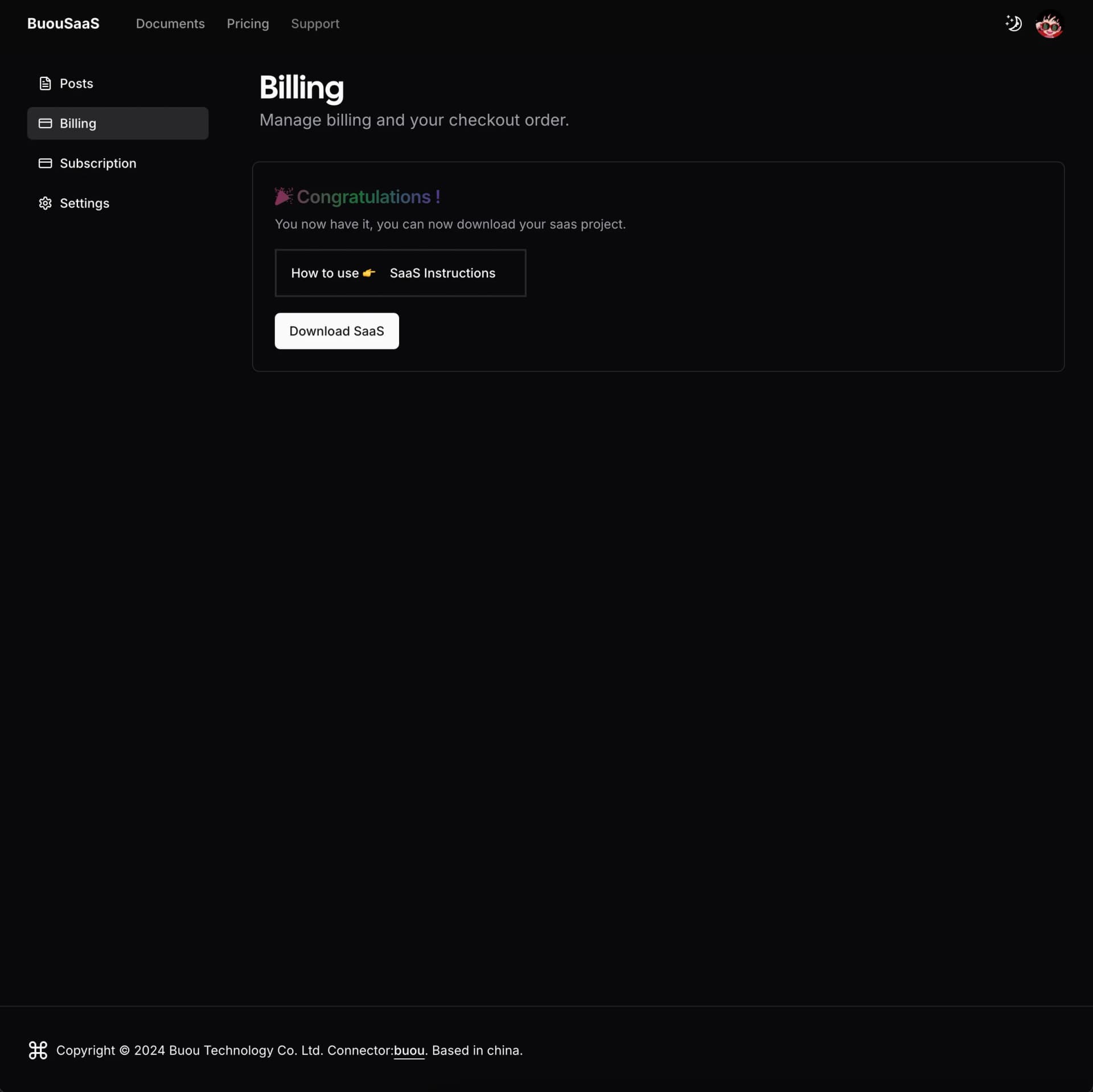
    install

    now you can click button to download BuouNext

    Install Node.js (if you haven't already).

    If you haven't installed Node.js yet, you can follow the instructions here

    IntroductionRun BuouNext